The KODAK Slide N Scan is designed to make turning selected film negatives and slides into JPEG files more approachable, with an LCD preview screen and direct SD card saving.
This kodak slide n scan film & slide scanner review looks at its supported formats, simple editing controls, and the practical limits buyers should consider before choosing it.
Slide N Scan Review Summary
The quick verdict
12,000+ ratings
Read Amazon ReviewsKODAK Slide N Scan
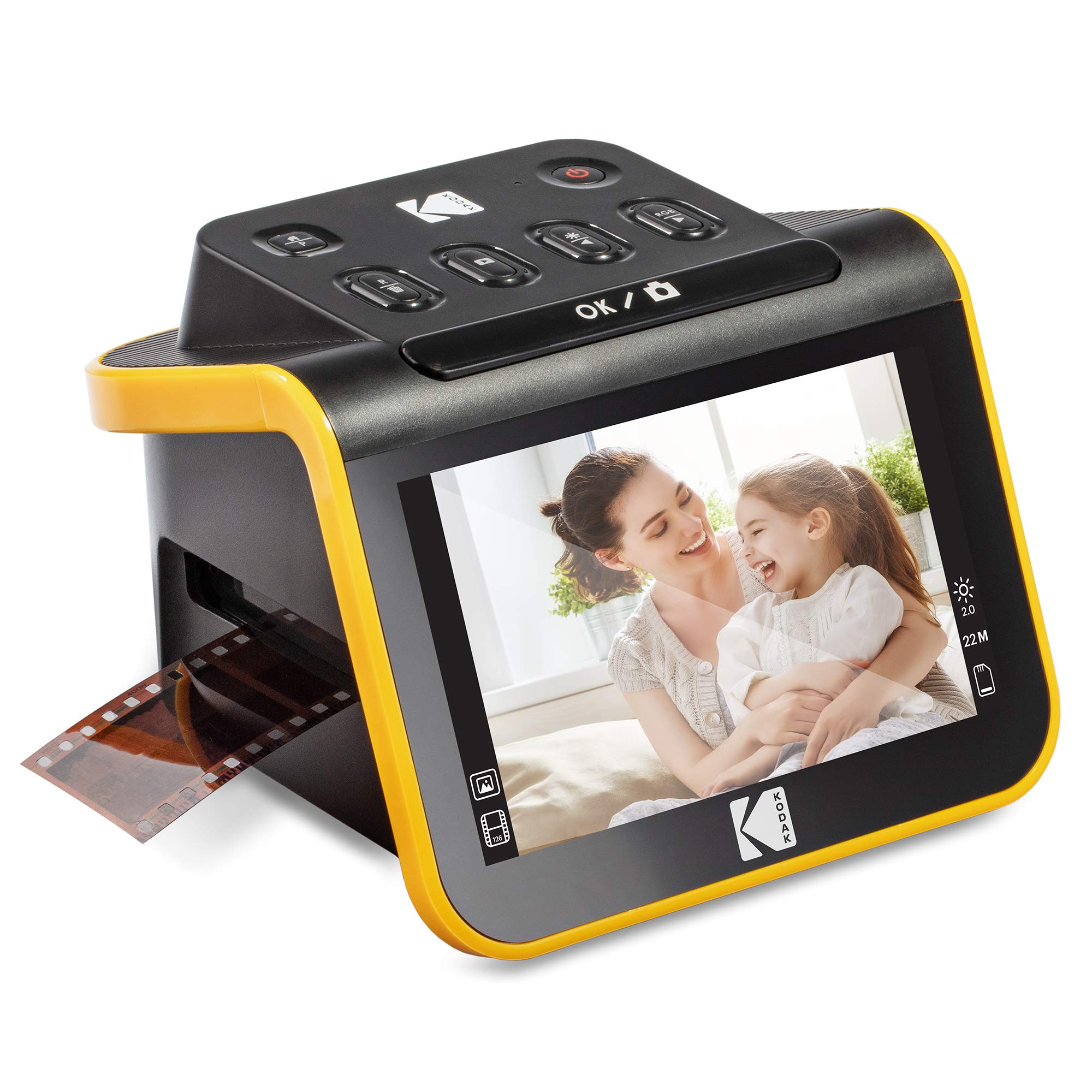
A practical option for families digitizing supported negatives and slides who want on-device previews and direct SD card saving.
- Converts supported color and black-and-white negatives and slides into digital JPEG files.
- Includes a 5-inch LCD with a wide viewing angle and gallery mode for previewing images.
- Supports 135, 110, and 126 film negatives and 50mm slides, with the corresponding inserts and adapters included.
- Quick-feeding tray technology is designed to allow continuous loading during a scanning session.

Pros
- A larger 5-inch display makes previews easier to view on the scanner itself.
- Direct SD card saving supports a workflow that does not require a computer at every step.
Consider before buying
- An SD card is required but must be supplied separately.
- The supported formats listed are limited to 135, 110, and 126 negatives and 50mm slides; check your collection before buying.
Read the full review summary
This scanner brings film handling, previewing, basic adjustments, and file saving together in one compact workflow.
Its 5-inch LCD provides a way to review images on the device, while the included holders and adapters cover 135, 110, and 126 negatives plus 50mm slides.
An SD card is required for saving, and the card is not included.
It is best suited to people who want to work through a collection of supported family snapshots without relying on a computer for every scan.
The one-touch capture approach and direct card storage favor convenience; buyers with other film formats or more demanding image-editing needs should check whether the format range and built-in controls are enough for their archive.
The buying factors
Slide N Scan Scorecard
Editorial scores reflect listed features and buyer fit; they are not laboratory measurements or customer ratings.
Supported format coverage
Includes adapters for 135, 110, and 126 negatives and a holder for 50mm slides, covering several common family formats.
On-device preview
The 5-inch LCD and gallery mode make image review part of the standalone workflow.
Scanning workflow
Quick-feeding tray technology and a single scan button are designed to keep handling straightforward.
Editing flexibility
The listed controls cover film type, color, brightness, resizing, and date or time assignment, with no indication of extensive editing tools.
Storage convenience
Files can be saved directly to compatible SD or SDHC cards up to 32GB, which must be purchased separately.
Computer connectivity
A Type-C USB connection supports use with a compatible computer, alongside the included USB and HDMI cables.
Key Features and Specifications of Slide N Scan
- Converts supported color and black-and-white negatives and slides into digital JPEG files.
- Includes a 5-inch LCD with a wide viewing angle and gallery mode for previewing images.
- Supports 135, 110, and 126 film negatives and 50mm slides, with the corresponding inserts and adapters included.
- Quick-feeding tray technology is designed to allow continuous loading during a scanning session.
- One-touch capture software offers options for choosing film type, adjusting color and brightness, resizing, and assigning date or time.
- Saves directly to SD or SDHC cards up to 32GB; the memory card is not included.
- Includes a cleaning brush, USB cable, and HDMI cable, and can connect to a Type-C USB-enabled computer.
Pros and Cons of Slide N Scan
Pros
- A larger 5-inch display makes previews easier to view on the scanner itself.
- Direct SD card saving supports a workflow that does not require a computer at every step.
- Included adapters accommodate several common negative formats and 50mm slides.
- The listed adjustment options cover basic color and brightness changes during capture.
Consider before buying
- An SD card is required but must be supplied separately.
- The supported formats listed are limited to 135, 110, and 126 negatives and 50mm slides; check your collection before buying.
- The controls described focus on basic capture adjustments, so buyers wanting a more extensive editing workflow may prefer to plan on using computer software.
Who Should Buy Slide N Scan?
Good fit
Consider it if you want a self-contained way to digitize supported family negatives and slides, review each result on a built-in screen, and save files directly to a memory card.
The included film inserts and quick-feeding tray are practical for moving through a group of images, while gallery mode makes it easier to look back at saved scans on the device.
It may also suit a household that wants a straightforward first pass at preserving older snapshots.
Before ordering, identify the formats in your collection and set aside a compatible SD or SDHC card up to 32GB; the scanner does not include one.
The basic image controls are useful for simple adjustments at capture time. If you expect to do detailed restoration or fine-grained corrections, consider how you will handle that editing after scanning.
Who should skip it
Look elsewhere if your negatives or slides use formats outside the listed 135, 110, and 126 negatives and 50mm slides. Confirm that the included adapters match the actual materials you plan to scan.
It may not be the best fit if you expect advanced editing from the scanner alone or need a complete setup with memory storage included.
Consider whether a computer-based workflow and a separately purchased SD card work for you.
How the Slide N Scan Fits a Home Film Archive
Format support sets the first boundary
The included adapters cover 135, 110, and 126 negatives, and a separate holder handles 50mm slides.
That range is useful for many personal collections, but the format names on old sleeves or boxes may not be obvious; check the film itself and holder dimensions before beginning a large project.
A screen-centered scanning routine
The 5-inch LCD, gallery mode, and capture button place preview and basic image adjustments on the device. This can make occasional scanning sessions easier to follow, since you can inspect a result without immediately opening a computer application.
Color and brightness adjustments are available, but the listed functions are oriented toward simple corrections.
Plan storage before the first scan
Saving to SD or SDHC cards up to 32GB gives the scanner a direct destination for JPEG files.
Because the card is not included, buyers should choose a compatible card before starting and think about how they will organize or transfer the finished images afterward.
The tray and accessories matter for batches
Quick-feeding tray technology is intended to keep film moving through the process, and the package includes holders, adapters, a brush, and connection cables.
These details make it more practical for repeated home use than a device that requires sourcing every film holder separately, though careful handling and clean film remain part of the user's routine.
Alternatives to Slide N Scan
Slide & Negative Scanners alternative
11,000+ ratings
Read Amazon ReviewsKODAK SCANZA Digital Film & Slide Scanner
Choose the Slide N Scan if its larger screen and listed 50mm slide support match your priorities.
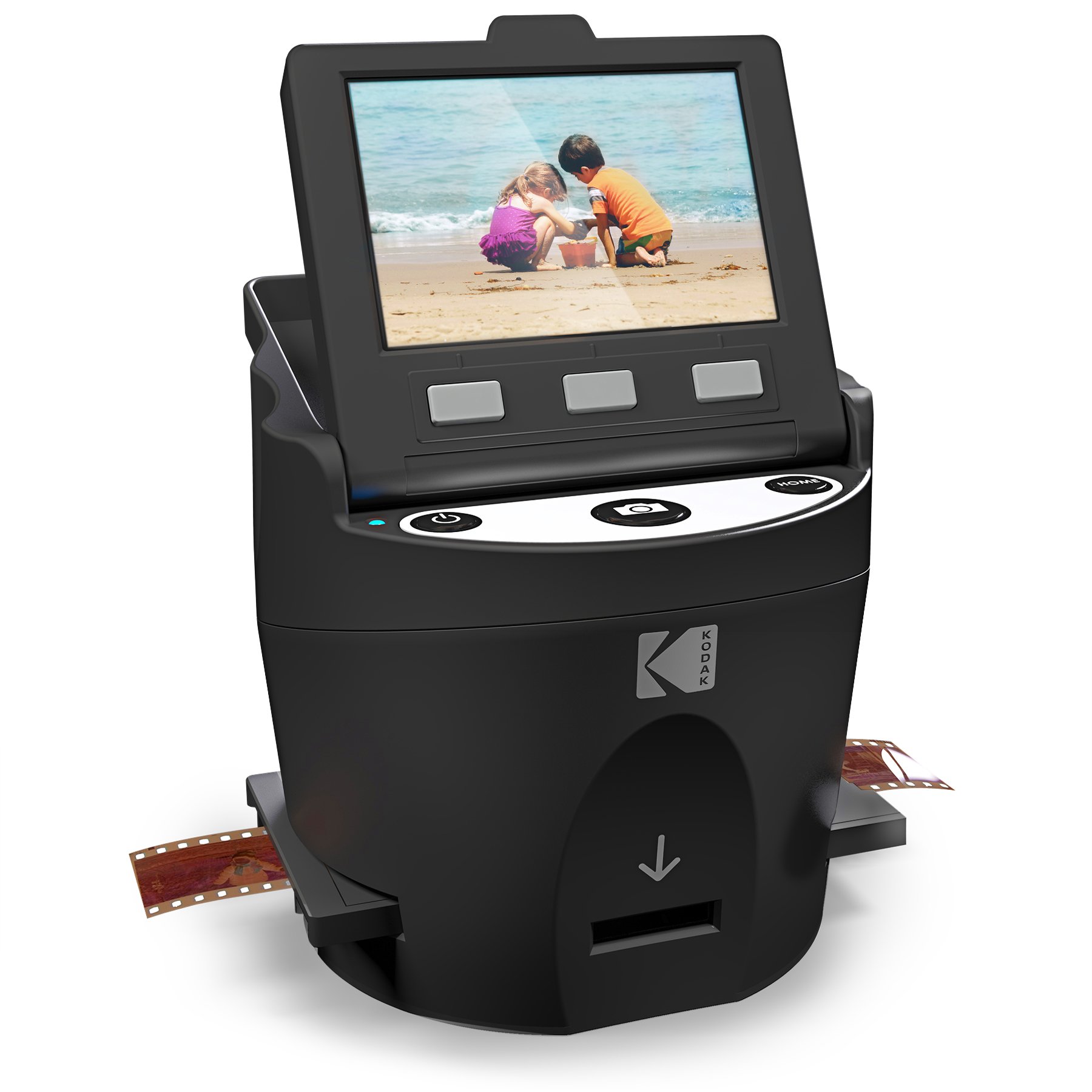
The SCANZA is a more relevant fit when Super 8 or 8mm support, a tilting display, or higher-capacity card support matters more.
- The SCANZA has a 3.5-inch adjustable, tilting display and supports 35mm, 126, 110, Super 8, and 8mm negatives and slides.
- It includes multiple inserts, RGB and resolution adjustments, and supports cards up to 128GB.
- The Slide N Scan pairs a 5-inch LCD with adapters for 135, 110, and 126 negatives and a 50mm slide holder.
Slide & Negative Scanners alternative
1,000+ ratings
Read Amazon ReviewsKODAK Slide N Scan Max Film Scanner
Both models suit a direct-to-card workflow for the listed formats.
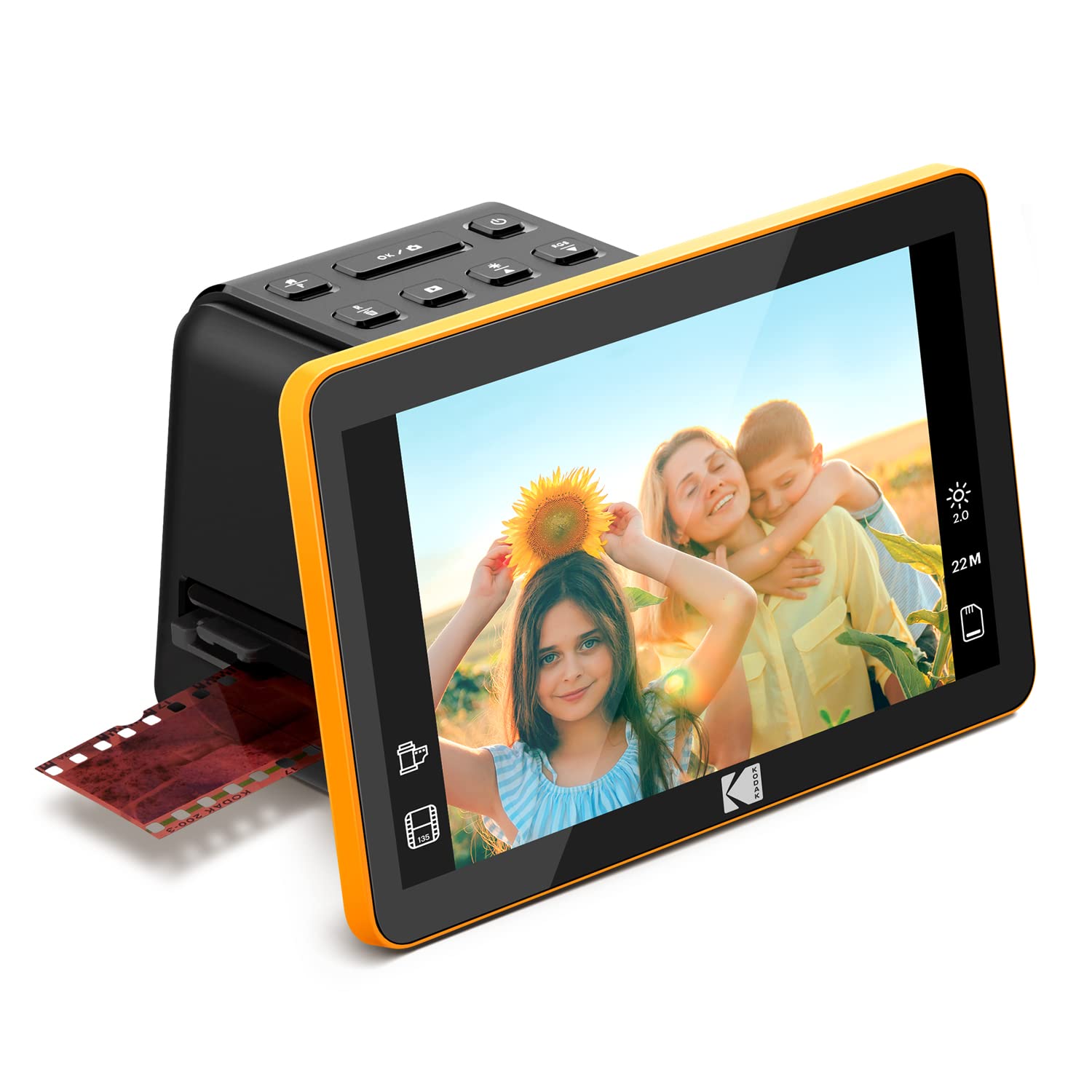
Consider the Max if its specified sensor and output resolution are a deciding factor; the Slide N Scan is the clearer choice if you value the explicitly listed 5-inch LCD and 50mm slide holder.
- The Slide N Scan Max supports 135, 110, and 126 formats, saves directly to SD or SDHC cards up to 32GB, and has a 13MP CMOS sensor with 22MP interpolation.
- Its listing describes output up to 4208 × 3120 resolution.
- The Slide N Scan has a 5-inch LCD, supports 135, 110, and 126 negatives and 50mm slides, and saves to SD or SDHC cards up to 32GB.
Is Slide N Scan Worth It?
The KODAK Slide N Scan is worth considering for a home archive of supported negatives and slides when an on-device preview screen and direct SD card saving are priorities.
Its included adapters and basic capture adjustments make the workflow approachable, and the larger LCD is a useful part of the design.
Check your film formats first, budget for a compatible SD or SDHC card, and decide whether the listed editing controls fit your needs.
If those conditions align, it offers a practical route to creating JPEG copies of selected family images.
Your review at a glance
12,000+ ratings
Read Amazon ReviewsKODAK Slide N Scan
A practical option for families digitizing supported negatives and slides who want on-device previews and direct SD card saving.
- Converts supported color and black-and-white negatives and slides into digital JPEG files.
- Includes a 5-inch LCD with a wide viewing angle and gallery mode for previewing images.
- Supports 135, 110, and 126 film negatives and 50mm slides, with the corresponding inserts and adapters included.
- Quick-feeding tray technology is designed to allow continuous loading during a scanning session.